The whole app — one small window
Pick a source, dial the detune, press start. No projects, no plugins, no menu-bar maze.
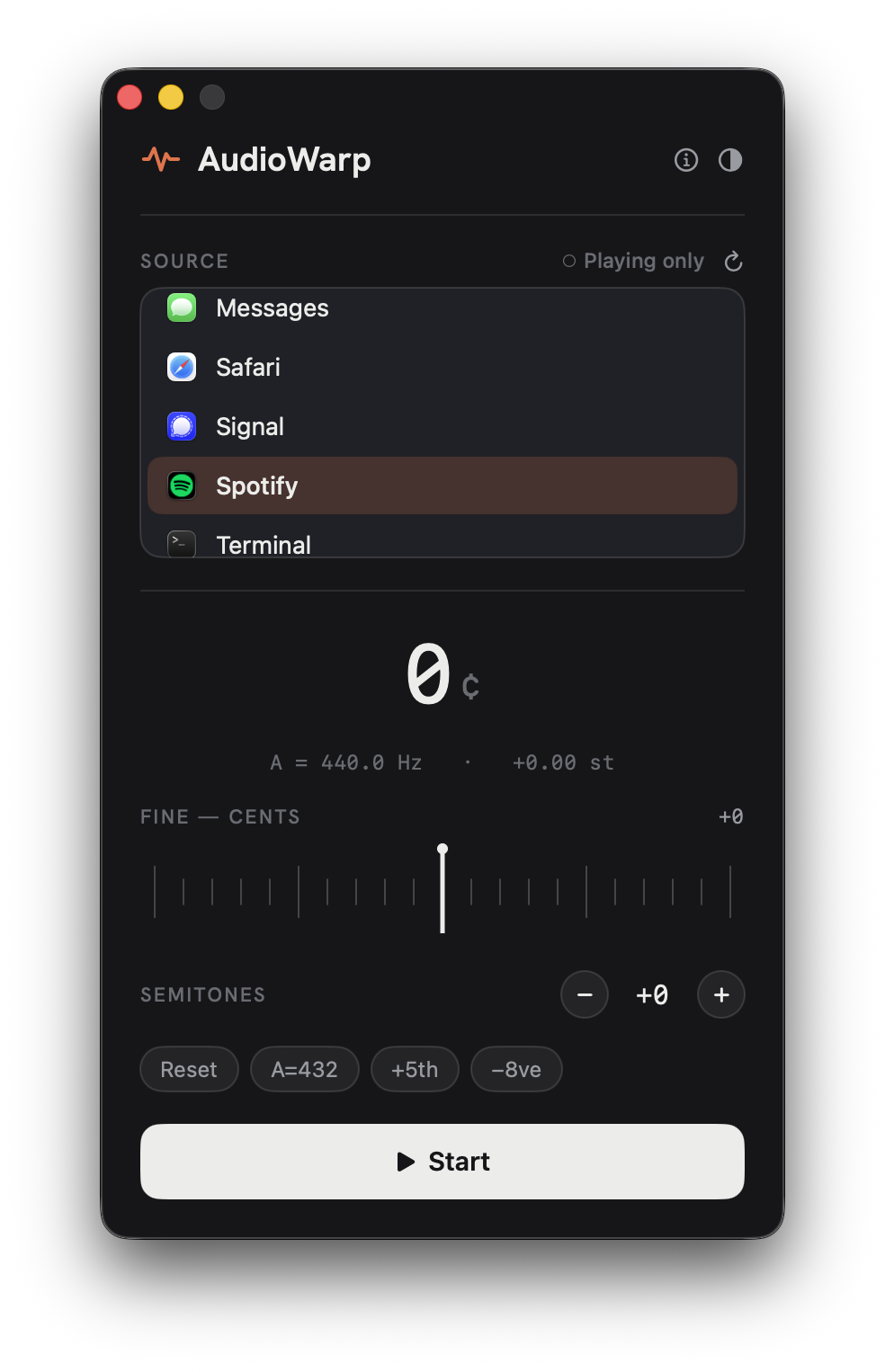
Play along to Spotify, YouTube, and Apple Music instantly — no downloading MP3s, no importing files. AudioWarp retunes what's already playing, by semitones or cents, without ever changing the tempo.
Point it at Spotify, YouTube, or Apple Music and play along with whatever's already streaming — no MP3s, no file wrangling.
Transpose by whole steps, or fine-tune to A = 432 Hz and anywhere between. ±2 octaves of range.
The pitch moves the instant you do. Playback speed never budges.
AudioWarp lists the apps that can play audio. Choose one.
Set semitones and cents, or tap a preset like A = 432.
The original is muted; you hear only the retuned version.
Pick a source, dial the detune, press start. No projects, no plugins, no menu-bar maze.
Try free — full quality. After 1 minute it gently fades until you buy.
| Feature | TrialFull quality | Licensed$25 once |
|---|---|---|
| Retune Spotify / YouTube / Apple Music | ✓ | ✓ |
| Semitones & cents, ±2 octaves | ✓ | ✓ |
| Presets (A=432, +5th, −8ve…) | ✓ | ✓ |
| Works on Mac & Windows | ✓ | ✓ one key, 3 devices |
| Plays past 1 minute | fades out | ✓ |
| Free updates forever | — | ✓ |
| Price | Free | $25 once |
The download plays full-quality free for 1 minute at a time — verify your purchase email in the app to remove the limit. One purchase unlocks AudioWarp on Mac and Windows. No license keys.